Seeker dApps
Pinvia
Opens App Maps pins and links in your Navigation
by Mariana
On a Seeker this opens the app in the dApp Store. Install it on your Seeker: open the dApp Store and search for “Pinvia”.

About
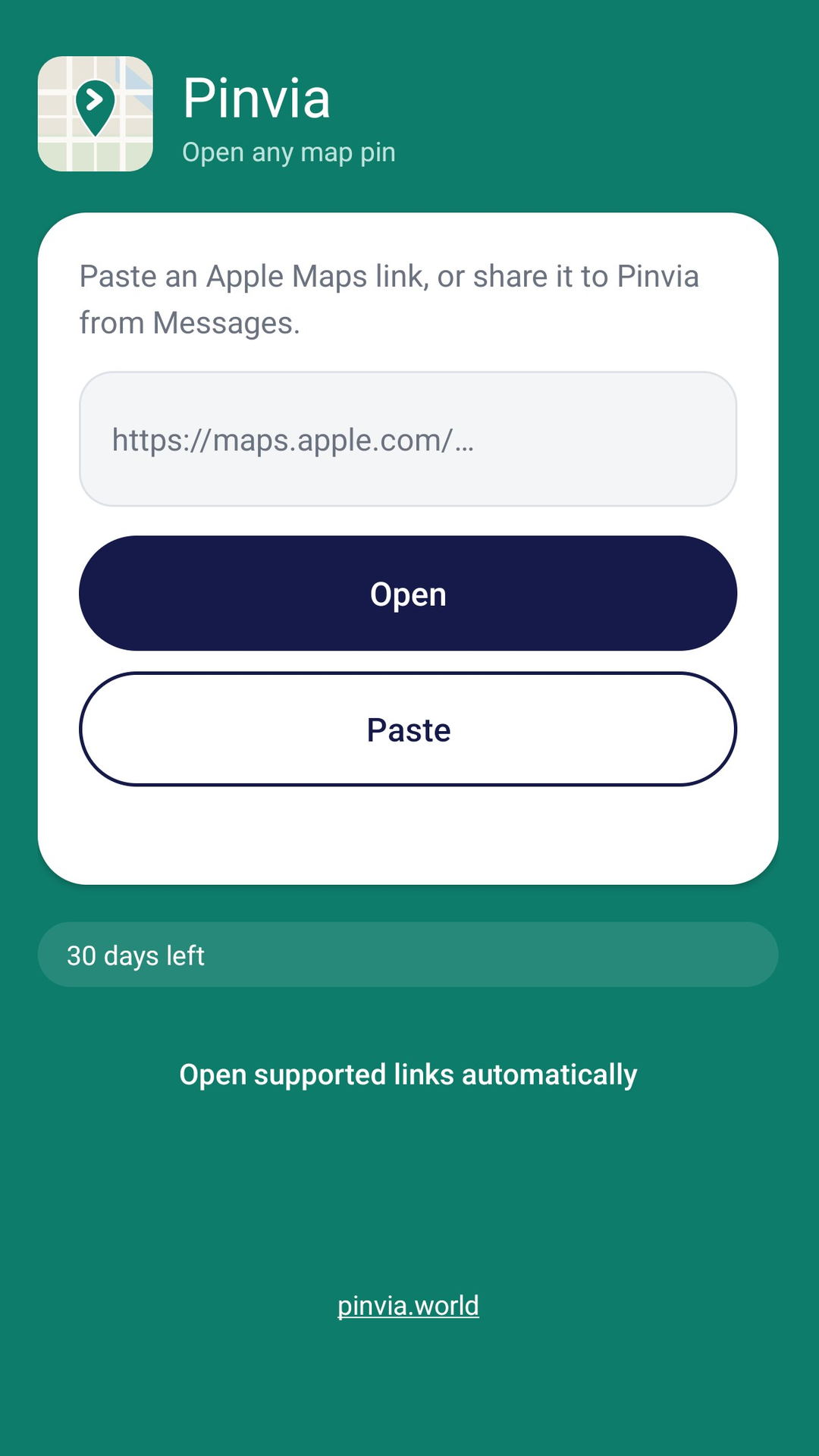
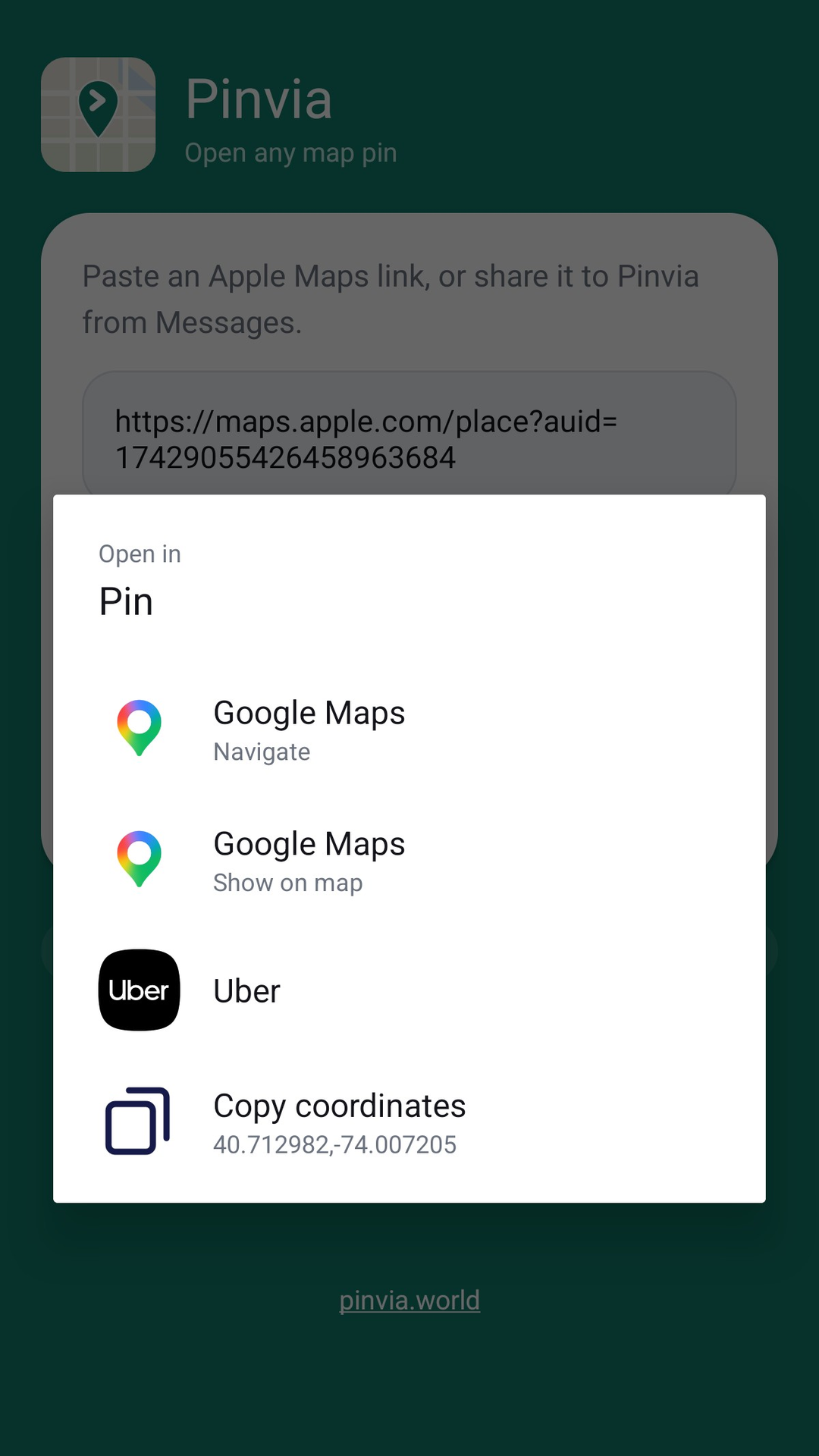
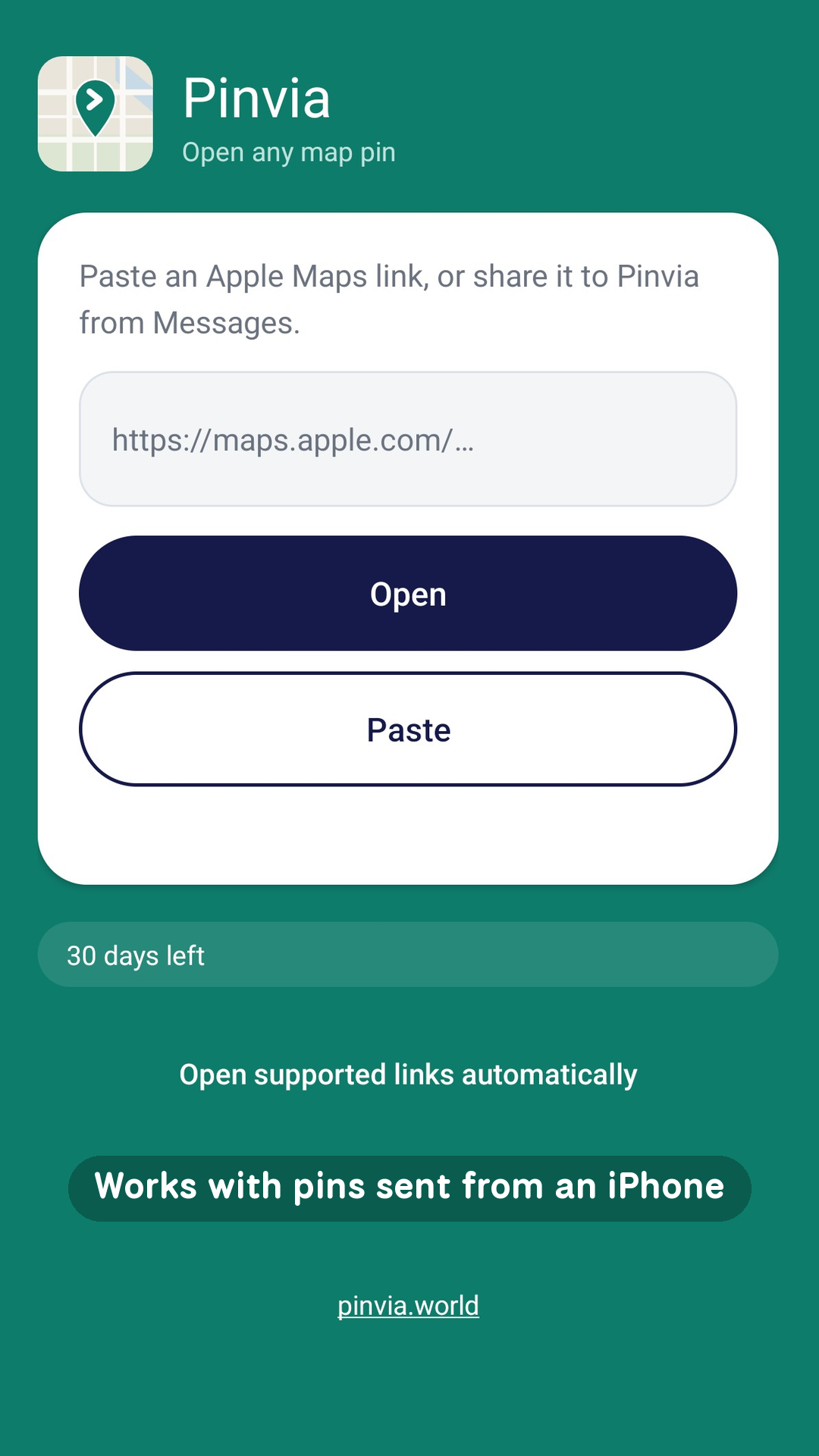
Someone sent you a location from an iPhone, and Android opens it in a browser, or not at all. Pinvia pulls the coordinates out of the link and hands them to the app you actually drive with. HOW IT WORKS Share the link to Pinvia from Messages or WhatsApp, or paste it into the app. Pinvia finds the exact point and lists the navigation apps installed on your phone. Pick one and go. READS EVERY FORMAT A plain pin link. An address with no coordinates. A shortened maps.apple.com link that hides the point behind a redirect. A location sent as a contact card. Pinvia resolves them all to a single point on the map. YOUR NAVIGATION APP, NOT SOMEONE ELSE'S The list shows apps actually installed on your device, each with its own icon: Google Maps, Waze, Yanosik, Garmin, OsmAnd, Sygic, Mapy.cz, and anything else on your phone that accepts a location. Prefer to handle it yourself? Copy the coordinates with one tap. NO ACCOUNT, NO ADS, NO TRACKING There is no sign-up and no profile. Pinvia never asks for your location, contacts or photos, and it has no server to send anything to. The only network request it makes is resolving a shortened link, because only Apple's servers know which point hides behind one.
What’s new in 1.0.2-solana
Store listing updated.